A player built to run every day without anyone watching it
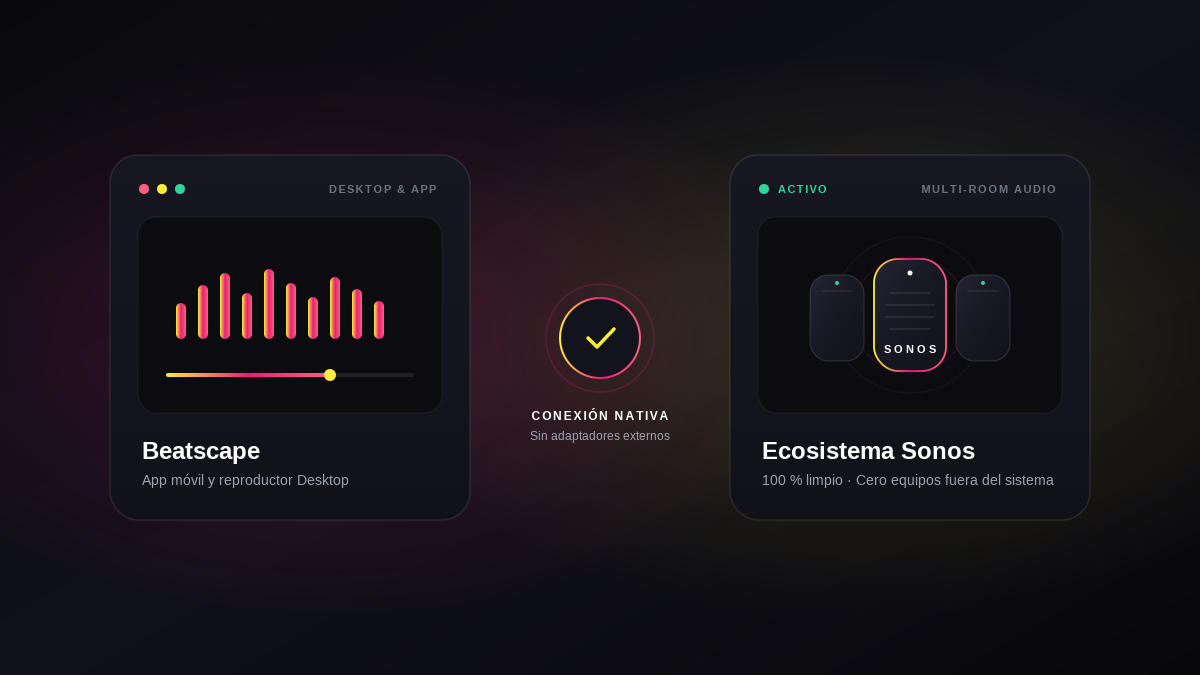
We rebuilt the Beatscape player from the ground up. The new version arrives on iOS, Android and the desktop app, with a new design that is lighter and clearer to operate day to day in a store, restaurant or hotel.
The change is not only visual: we reorganized how the player connects to your speakers, how transitions are controlled and how it behaves when the internet drops.
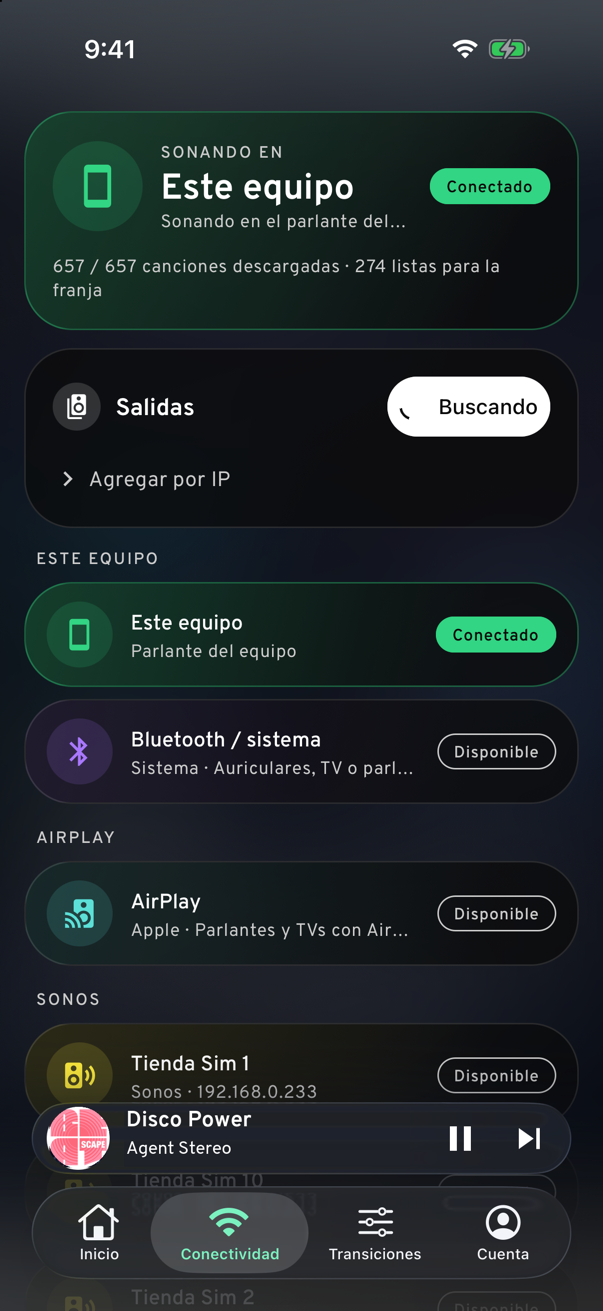
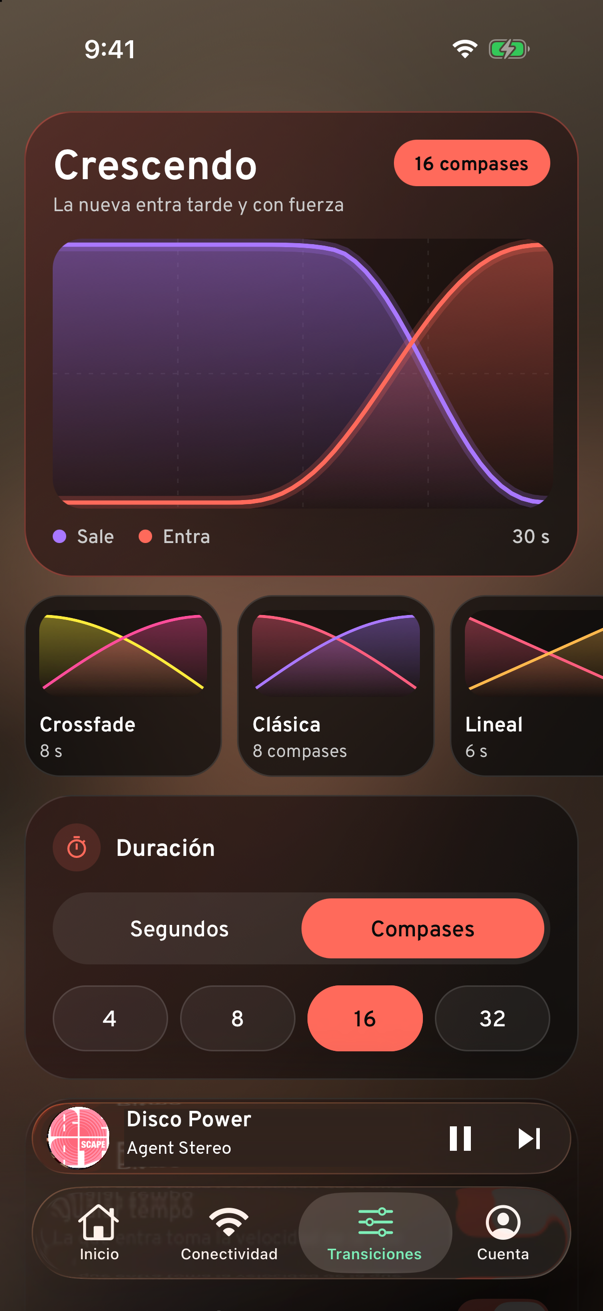
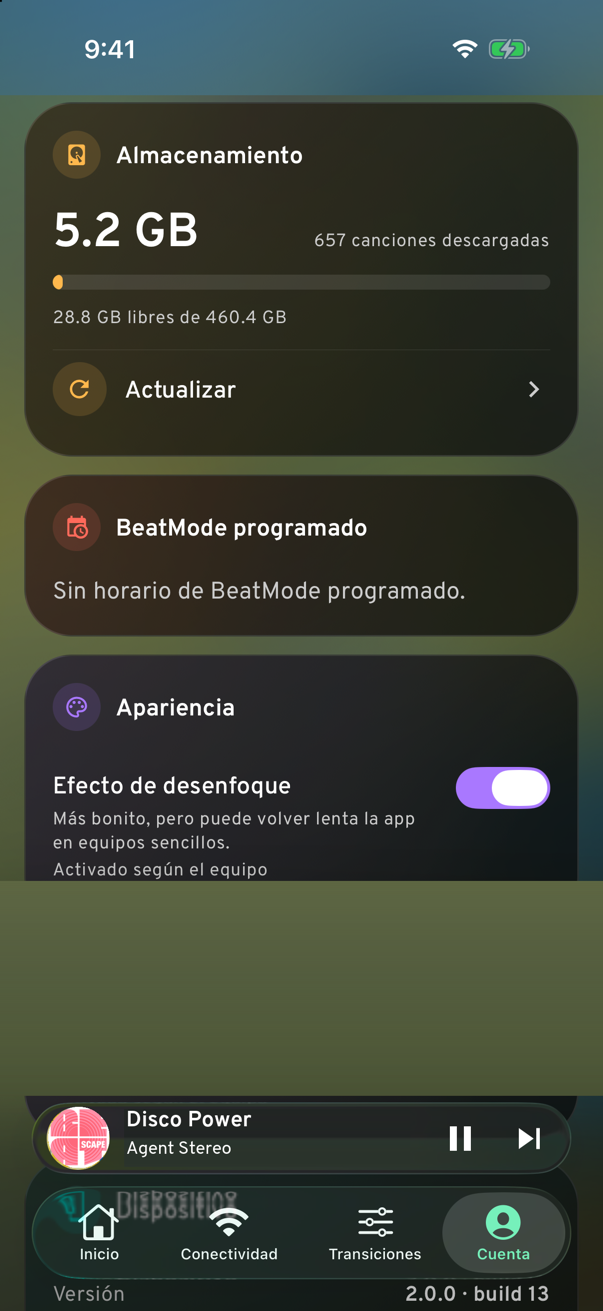
A bottom menu with four sections
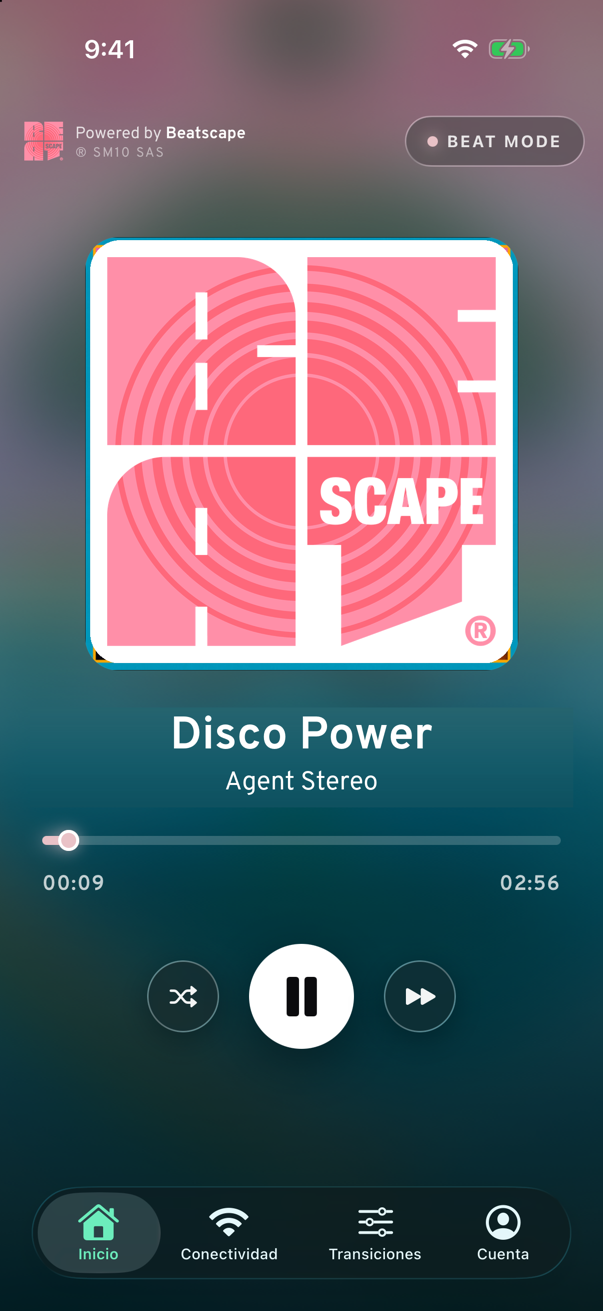
Navigation now lives in a floating menu at the bottom, within thumb reach:
- Home: what is playing now, with playback controls.
- Connectivity: where the music plays.
- Transitions: how one song flows into the next.
- Account: BeatMode, storage and your location's details.
When you are in another section, a mini player stays visible so you can pause or skip without going back home. The background color follows the album cover and, on iPhone, the menu uses the iOS liquid glass look.
Connectivity: every output in a single list
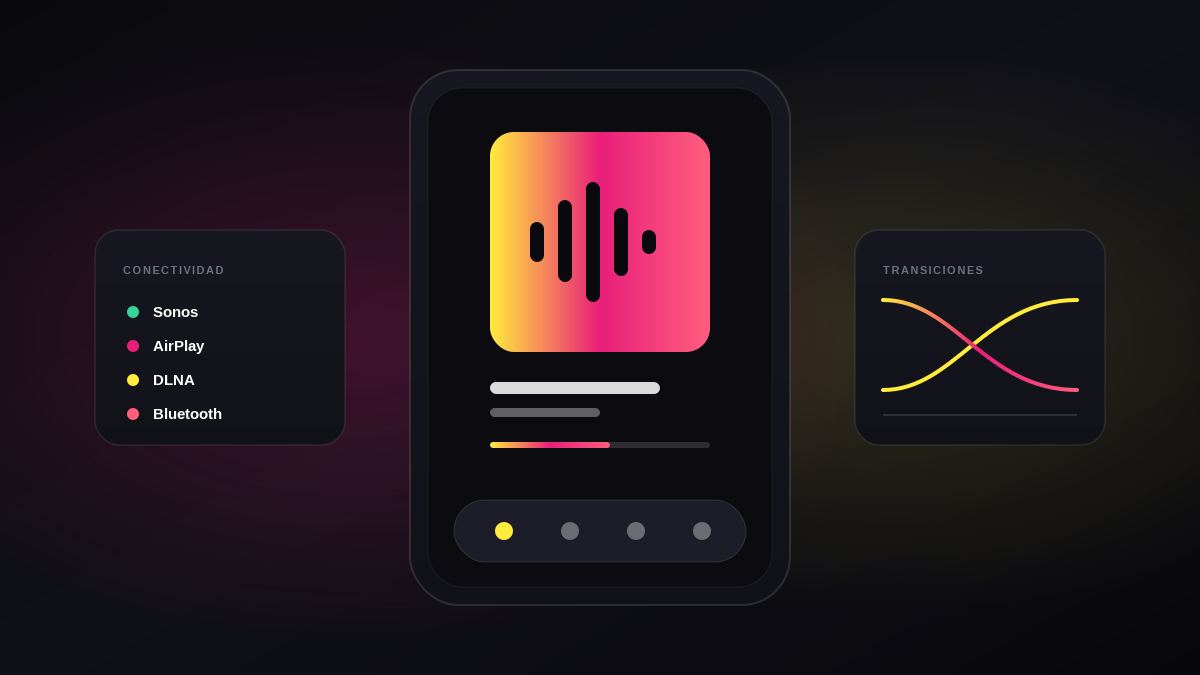
You used to need to know where to look for each type of output. Now they are all in one list:
- This device: the speaker or audio output of the phone, tablet or computer itself.
- Sonos: connect all speakers at once as a single group, with crossfade transitions on Sonos too.
- Network speakers and TVs (DLNA/UPnP): compatible audio gear and TVs on the venue's network.
- AirPlay on iOS.
- Bluetooth.
Each output has its own settings. If a speaker does not show up, the Search speakers button scans the network again, and you can also add a speaker by its IP address when the venue's network does not announce it.
Transitions you can see before you hear them
In the transitions section every style shows its visual curve: how one song fades out and the next one comes in. Choose the style, the duration and the rhythm options, and see the result in the curve.
When an option is not available on the output you are using, it does not disappear: it appears disabled with the reason, so you know why and what to change.
Account: scheduled BeatMode and storage status
In Account you set BeatMode by time slot: the energy of the music adjusts by itself through the day, calmer in the morning and higher when the venue fills up. You also see the storage and downloads status and your account details there.
More stable: days of playback without slowing down
This version uses much less memory, so the player can run for days without slowing down or needing a restart. In addition:
- It starts offline with the saved session and keeps playing the scheduled music even if the connection drops.
- Commercial spots are shown as Comunicado comercial while they play.
- Volume control from the dashboard now works on iOS too, and the device volume is reported accurately.
The same experience on desktop
The desktop app gets the same design and the same menu. Whoever runs the store finds everything in the same place on any device.
Behind the app, a fully managed service
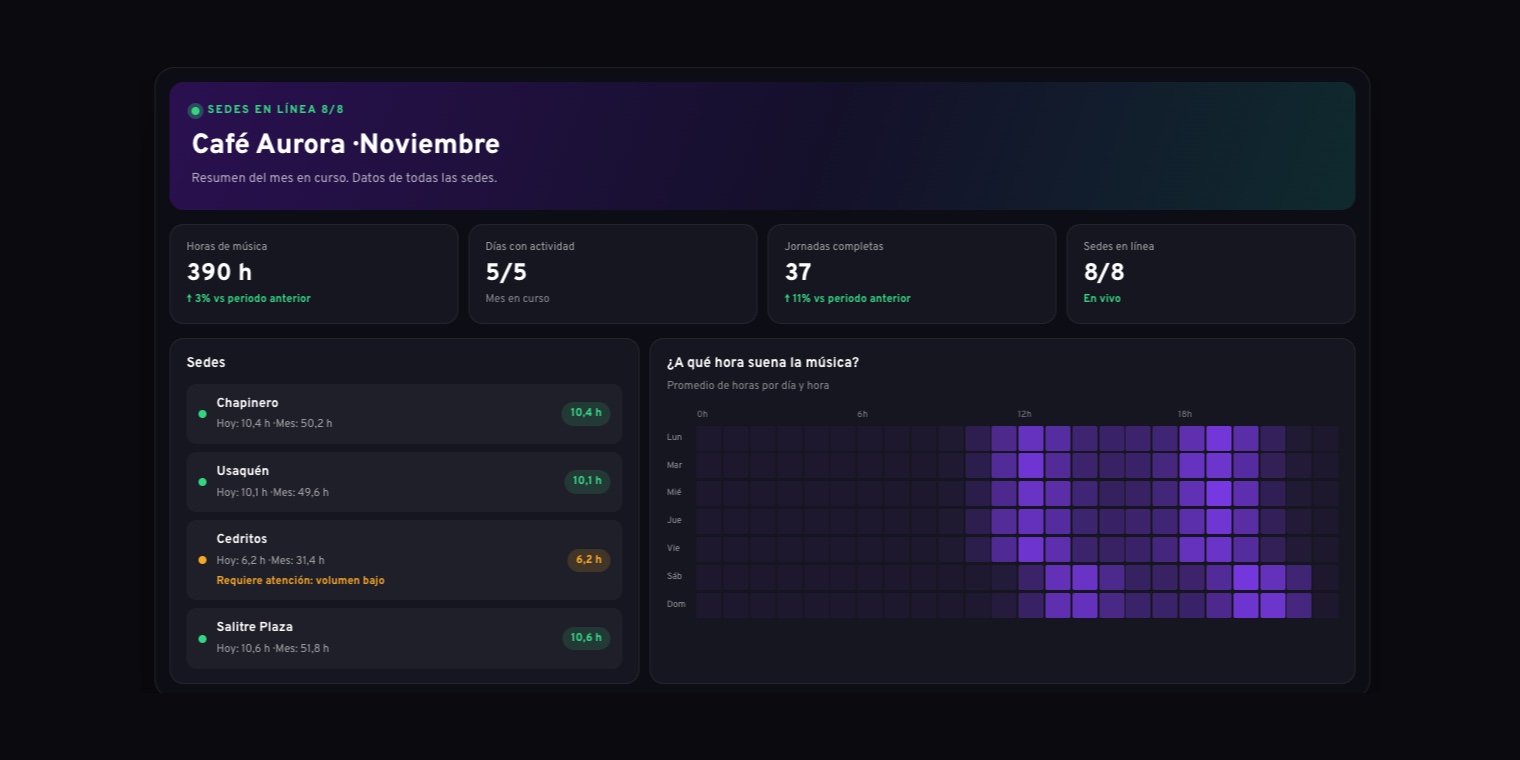
The player is the visible part. Behind your account is the Beatscape human curation team, which designs the music for every time slot, schedules the spots and adjusts it when your business needs it. It is an integral managed service: you open the player, we make sure the music is where and how it should be.
Update or get a quote
Download the new version at beatscape.co/en/download or update from your device's app store. Want to bring Beatscape to your business? Message us on WhatsApp and we will review your case. You can also see more news at beatscape.co/novedades.